
Running a manufacturing business without the right software means constant firefighting — production schedules built in spreadsheets, inventory counts that never quite match reality, and orders slipping through the cracks between departments that should be talking to each other.
Manufacturing software for small business exists to fix exactly this, but the space is confusing. Some options are full ERP systems with manufacturing modules bolted on; others are lean, purpose-built tools focused specifically on shop floor operations, production scheduling, and materials tracking. Picking the wrong type wastes money either way — overpaying for ERP complexity you don’t need, or underbuying a tool too limited to grow with you.
This guide breaks down manufacturing software for small business clearly: what separates it from general ERP, the features that actually matter on a real shop floor, the strongest options at different budget levels, and how to avoid the mistakes that lead small manufacturers to replace their software within the first year. By the end, you’ll know exactly what to look for and why.
What Is Manufacturing Software, and How Is It Different from ERP?
People often use these terms as if they mean the same thing, but the distinction actually matters. Full ERP manages your entire business — finance, HR, sales, and production together. Manufacturing-specific software narrows in on production alone, sometimes with little or no financial and HR functionality at all. Knowing which one you actually need is the first decision, before comparing any specific products.
Manufacturing Software vs Full ERP Systems
If you already have accounting software and don’t need everything unified, a dedicated manufacturing tool solves production problems without the cost and complexity of a full ERP rollout. Many small manufacturers start here, then add broader ERP functionality later as the business grows and the case for a single connected system gets stronger.
Who Actually Needs Manufacturing-Specific Software
This distinction matters most when production is your core bottleneck, not your whole operation — a small job shop or contract manufacturer often gets more value from a focused scheduling and shop-floor tool than a full ERP rollout. If your pain points span finance, sales, and production equally, full ERP (see our ERP for Small Business guide) is usually the better starting point.
Must-Have Features in Manufacturing Software
Not every feature vendors advertise actually matters for a small manufacturer. Before comparing specific products, it helps to know which capabilities genuinely move the needle on day-to-day operations versus which ones are just marketing checkboxes.
Production Scheduling & Shop Floor Control
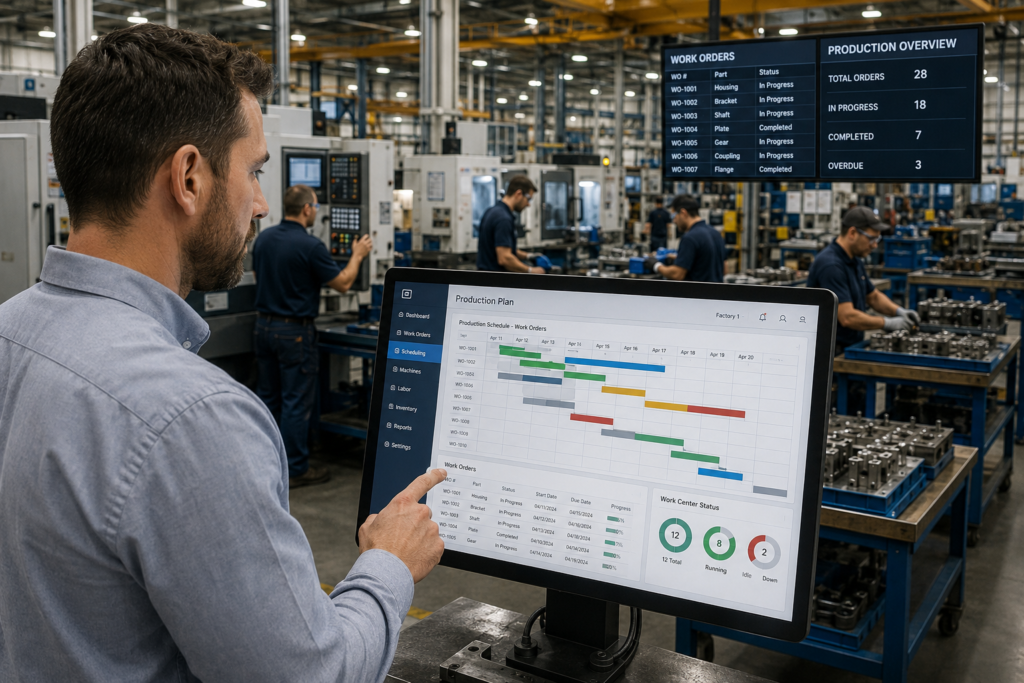
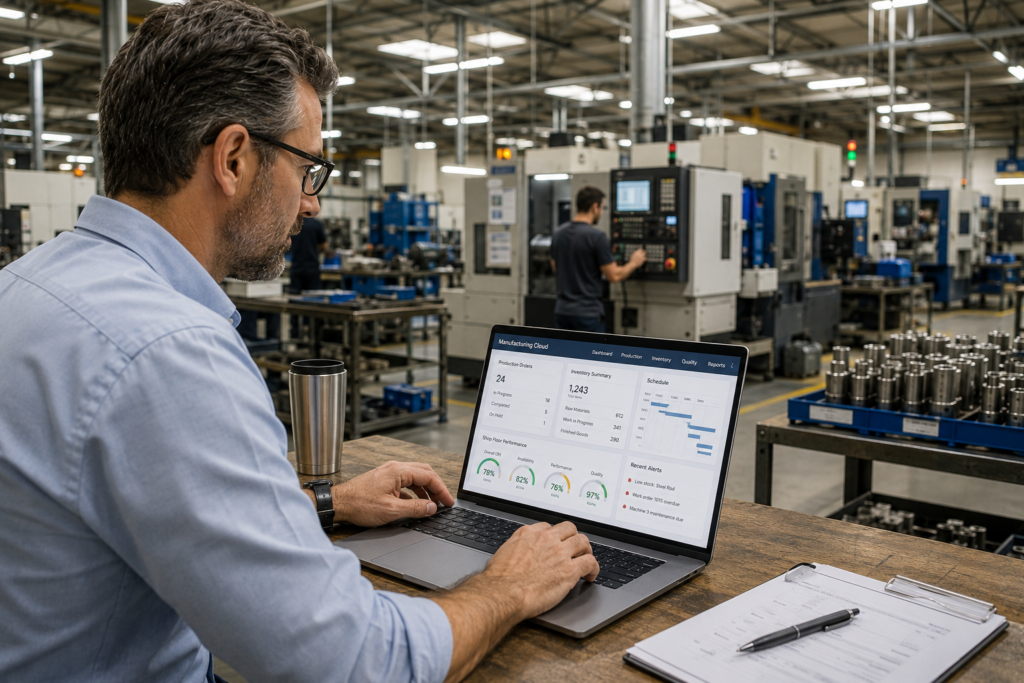
This is the core function most small manufacturers are actually shopping for. Good scheduling software shows real-time production status, flags bottlenecks before they delay orders, and lets you adjust the schedule when a machine goes down or a rush order comes in. Look for visual scheduling tools (drag-and-drop calendars or Gantt-style views) over systems that only show data in spreadsheet-style tables — the visual layer makes daily adjustments far faster for shop floor staff who aren’t spending their day in software.
Inventory & Materials Tracking
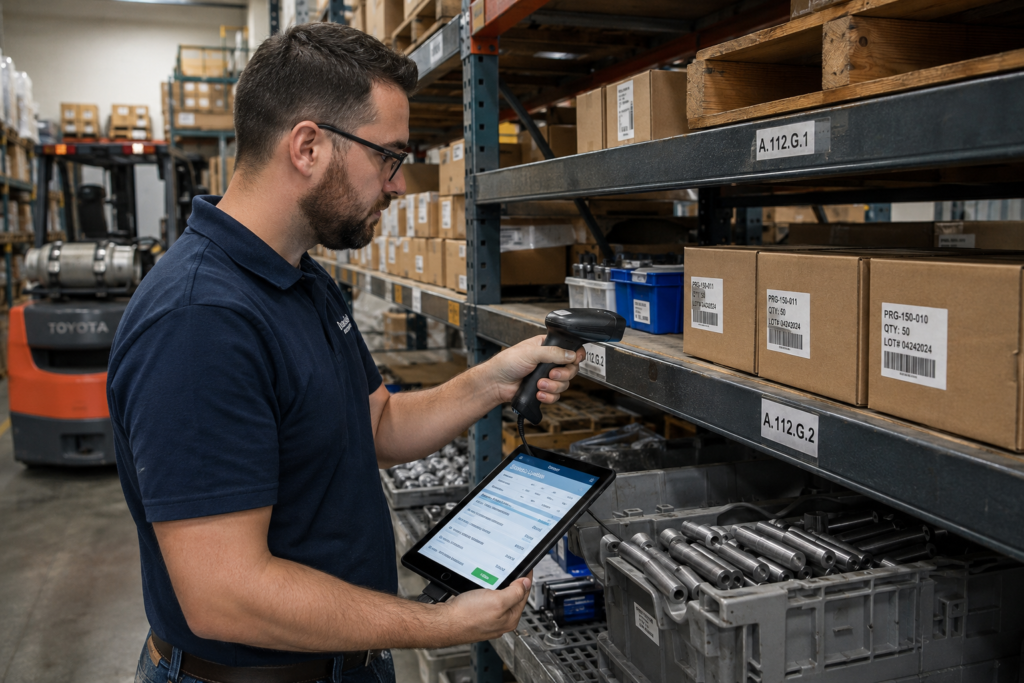
Manufacturing inventory is more complex than retail inventory — you’re tracking raw materials, work-in-progress, and finished goods simultaneously, often across multiple stages of a build. The software needs to update material consumption automatically as production moves forward, not require manual counts after the fact. Real-time tracking also prevents the common failure mode where a job gets scheduled using materials that were already committed to a different order, causing delays nobody saw coming until it was too late to fix quietly.
Top Manufacturing Software Options for Small Businesses
Rather than naming specific products here — pricing and features shift often enough that a name-dropped list goes stale fast — it’s more useful to know what tier of solution fits your size and budget, then evaluate current options against that.
Best for Small Manufacturers on a Budget
At the entry level, look for cloud-based MRP (Material Requirements Planning) tools built specifically for small shops, typically priced per user per month with no large upfront cost. These focus on the essentials — production scheduling, basic inventory tracking, and simple reporting — without the overhead of full ERP features you won’t use yet. Most offer free trials, which matters here: test with your actual production data before committing, since a tool that looks simple in a demo can feel limiting once real complexity shows up.
Best for Growing/Scaling Manufacturers
Once you’re managing multiple product lines, multiple locations, or a growing team, you need software with more depth — multi-level bill of materials, capacity planning across several work centers, and integration options with accounting or CRM tools as your operation connects to more systems. These platforms cost more but scale with you, avoiding the disruption of switching systems again in two years. Check specifically for demonstrated scalability — ask vendors for references from companies that grew with the platform rather than outgrew it.
Cloud-Based vs On-Premise Manufacturing Software
The cloud versus on-premise decision applies to manufacturing software just as much as it does to full ERP systems, and the tradeoffs are largely the same: cloud options mean lower upfront cost, automatic updates, and access from anywhere, while on-premise means more upfront investment but full control over where your production data lives.
For manufacturing software specifically, cloud has become the default for most small operations — real-time shop floor visibility works better when the system is accessible from any device on the floor, not tied to a single on-site server. On-premise still makes sense for manufacturers with strict data residency requirements or those integrating with legacy production equipment that wasn’t built for cloud connectivity.
If you’re weighing this decision in depth — cost breakdowns, security tradeoffs, and how SaaS compares to custom-built systems — our full Cloud ERP vs On-Premise ERP guide covers it thoroughly, since the underlying tradeoffs apply whether you’re choosing manufacturing-specific software or a full ERP platform.
Free & Open-Source Manufacturing Software Options
Free and open-source manufacturing software exists, and it’s worth knowing when it’s a real option versus a false economy. Open-source MRP and shop floor tools typically require self-hosting, meaning you or your IT team handle setup, security, and maintenance yourself — the software license is free, but the labor to run it isn’t.
For a very small operation with in-house technical capability, this can genuinely work: you get core scheduling and inventory functionality without a subscription cost. The tradeoff is limited support — you’re relying on community forums instead of a vendor’s help desk — and often a rougher user interface than paid alternatives, since open-source projects prioritize functionality over polish.
Free tiers of paid manufacturing software for small business are usually a safer starting point than open-source for most non-technical teams — they’re hosted for you, include basic support, and let you upgrade smoothly as you outgrow the free tier. Reserve open-source specifically for businesses with the technical staff to self-manage it, not as a default cost-saving move.
How to Choose the Right Manufacturing Software
Choosing manufacturing software for small business starts with mapping your actual production process before looking at any product — not the other way around. List every step from raw materials to finished goods, and identify where the current breakdown actually happens: is it scheduling, inventory accuracy, order visibility, or something else? The right tool solves your specific bottleneck, not a generic list of features.
Next, decide between manufacturing-specific software and full ERP based on the earlier distinction — if production is your core pain point and other systems already work fine, don’t pay for ERP complexity you won’t use. If everything feels disconnected across finance, sales, and production, full ERP is worth the higher cost.
Test any manufacturing software for small business with your real data before committing, not just a vendor demo built on sample data. Run a trial period covering an actual production cycle, involve the people who’ll use it daily, and confirm it integrates with whatever accounting or CRM tools you already depend on. Software that looks great in a sales presentation and falls apart against your real workflow is the single most common reason small manufacturers end up replacing their system within the first year.
Common Mistakes When Selecting Manufacturing Software
- Buying full ERP when manufacturing-specific software would solve the actual problem — paying for finance, HR, and sales modules you’ll never touch just adds cost and complexity to a production-only pain point.
- Skipping the real-data trial — evaluating manufacturing software for small business using a vendor’s polished demo instead of your own production data hides limitations that only surface after you’re locked in.
- Ignoring integration with existing accounting or CRM tools — a scheduling tool that can’t talk to the rest of your stack just creates a new disconnected system instead of fixing the old problem.
- Choosing based on price alone — the cheapest option that doesn’t scale often costs more within two years, once you’re paying again to migrate to something that actually fits your growth.
- Underestimating training time on the shop floor — software that works on paper fails in practice if the people running it daily weren’t properly trained before go-live.
FAQs
Is manufacturing software the same as ERP?
Not always. Manufacturing software can be a standalone tool focused on production scheduling and shop floor management, or it can be a module within a full ERP system. If you only need production functionality, a dedicated tool is often simpler and cheaper than full ERP.
How much does manufacturing software cost for a small business?
Dedicated manufacturing tools typically run $30-$150 per user per month for cloud-based options, with minimal upfront cost. Full ERP with manufacturing modules costs significantly more, often $15,000+ to implement, but covers your entire operation rather than just production.
Can I start with free manufacturing software?
Yes, either through a paid vendor’s free tier or open-source options if you have in-house technical capability. Free tiers are usually the easier starting point for non-technical teams, since they’re hosted and supported, while open-source requires self-managing setup and maintenance.
Closing
Manufacturing software for small business doesn’t have to mean an expensive full ERP rollout — but it also shouldn’t mean settling for spreadsheets held together by habit. The right choice depends on whether production is your core bottleneck or one piece of a bigger operational problem. Map your actual workflow first, test with real data before committing, and choose based on where you’ll be in three years, not just what solves today’s headache. Get that right, and manufacturing software stops being another tool to manage — it becomes the system your shop floor actually runs on.